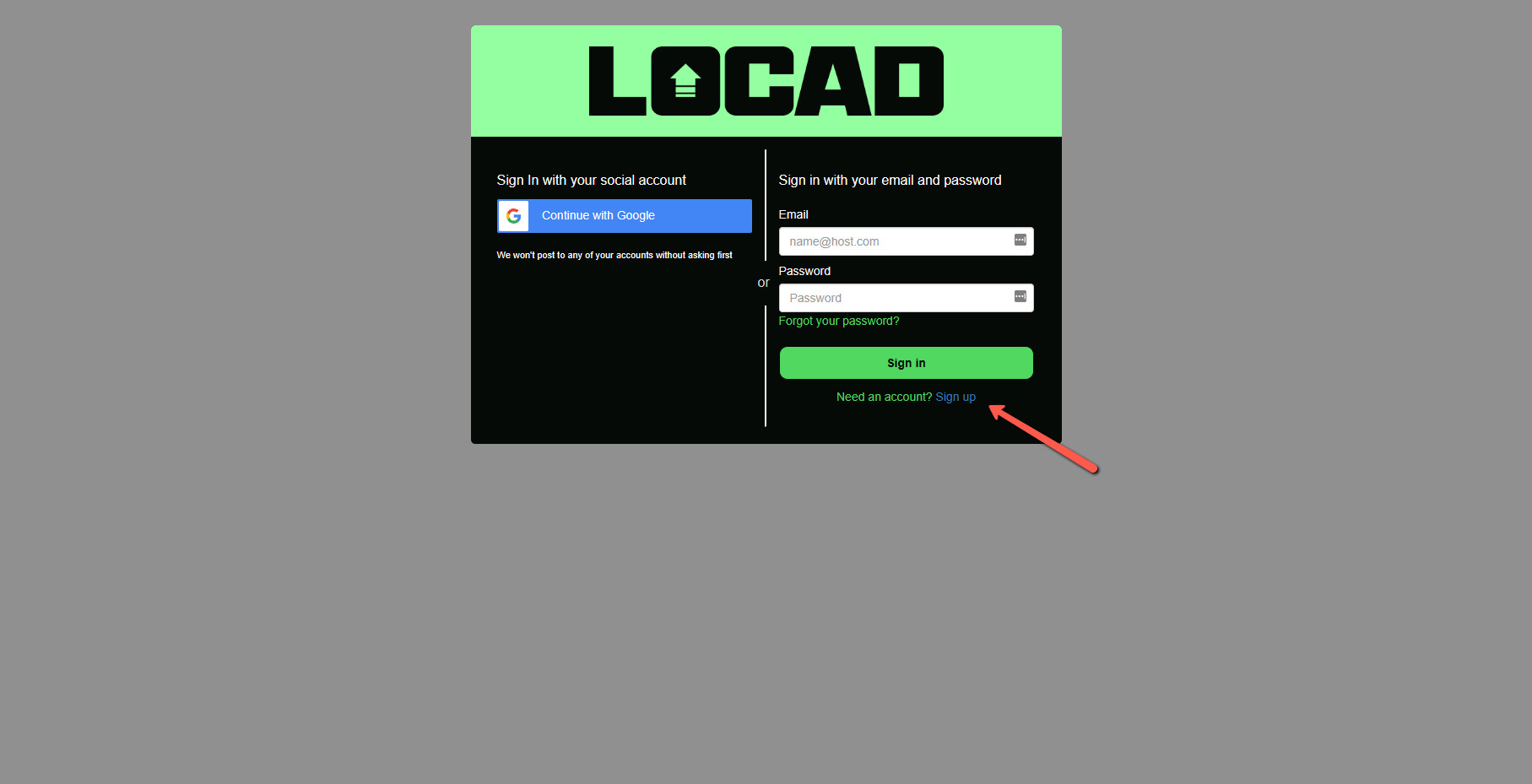
- Go to partner.golocad.com
- Click "Sign up"
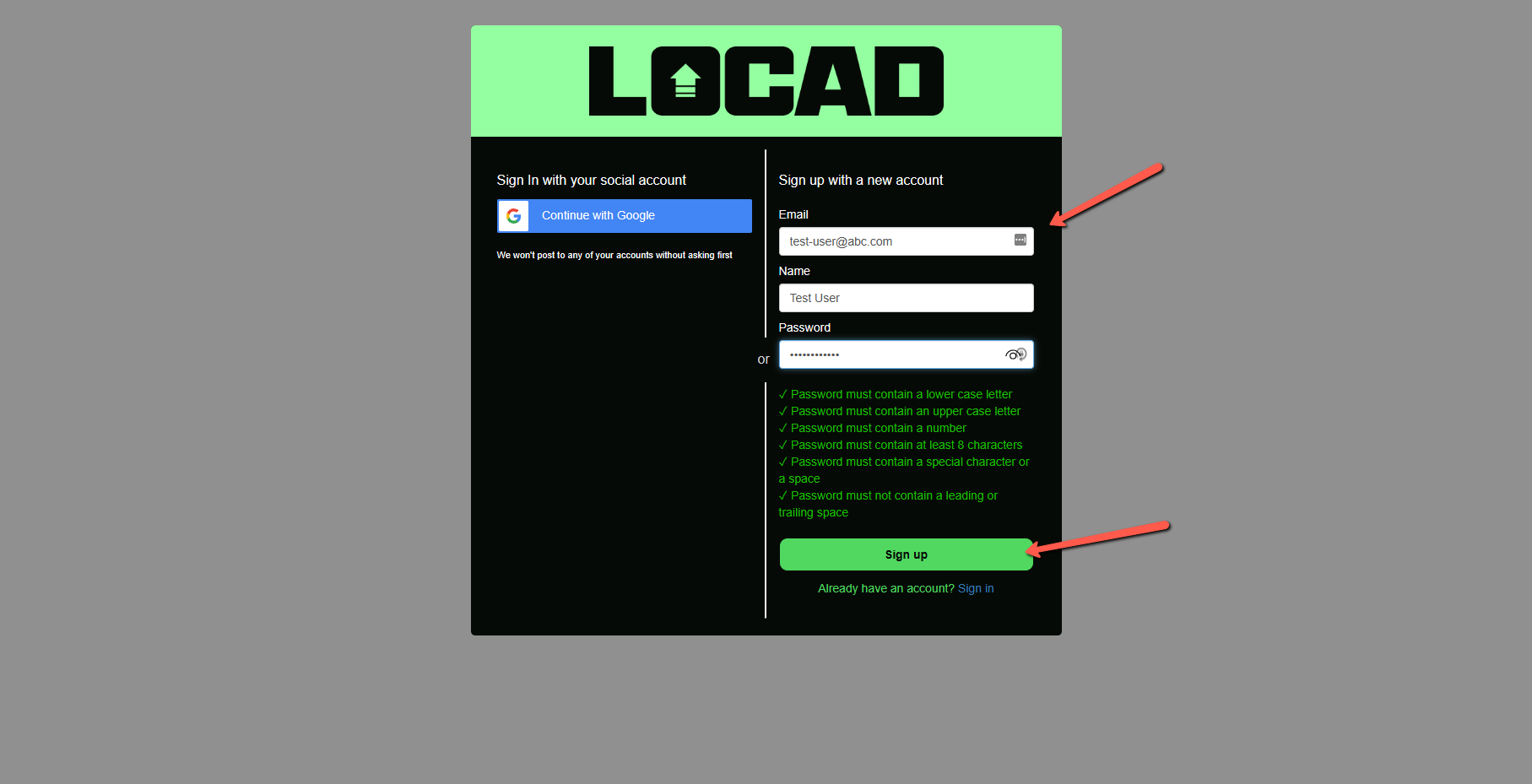
- Fill in your information and click "Sign Up"
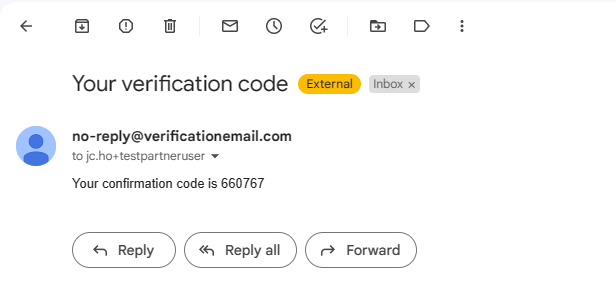
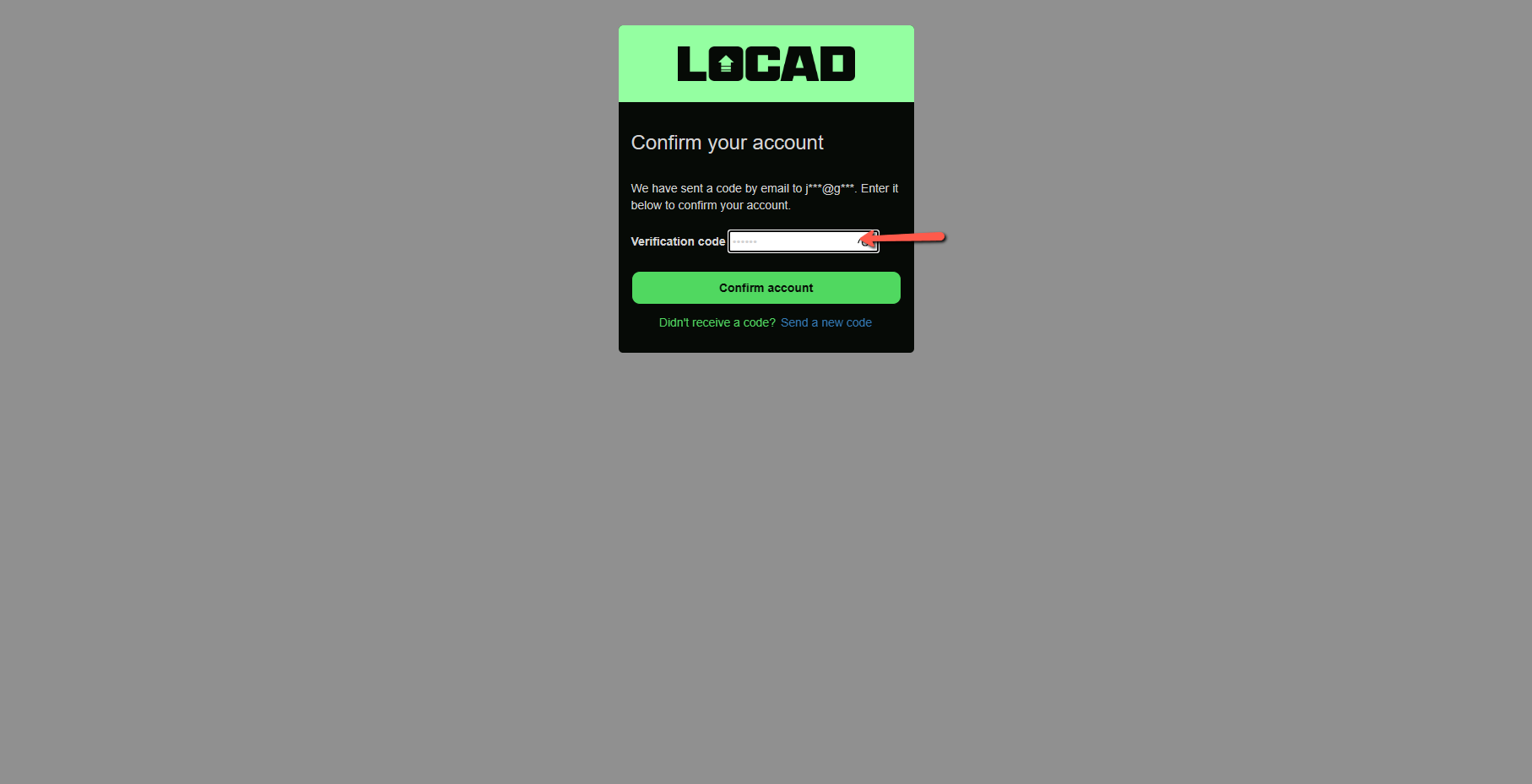
- Copy the verification code that you receive from your email. Confirm your account with the code.
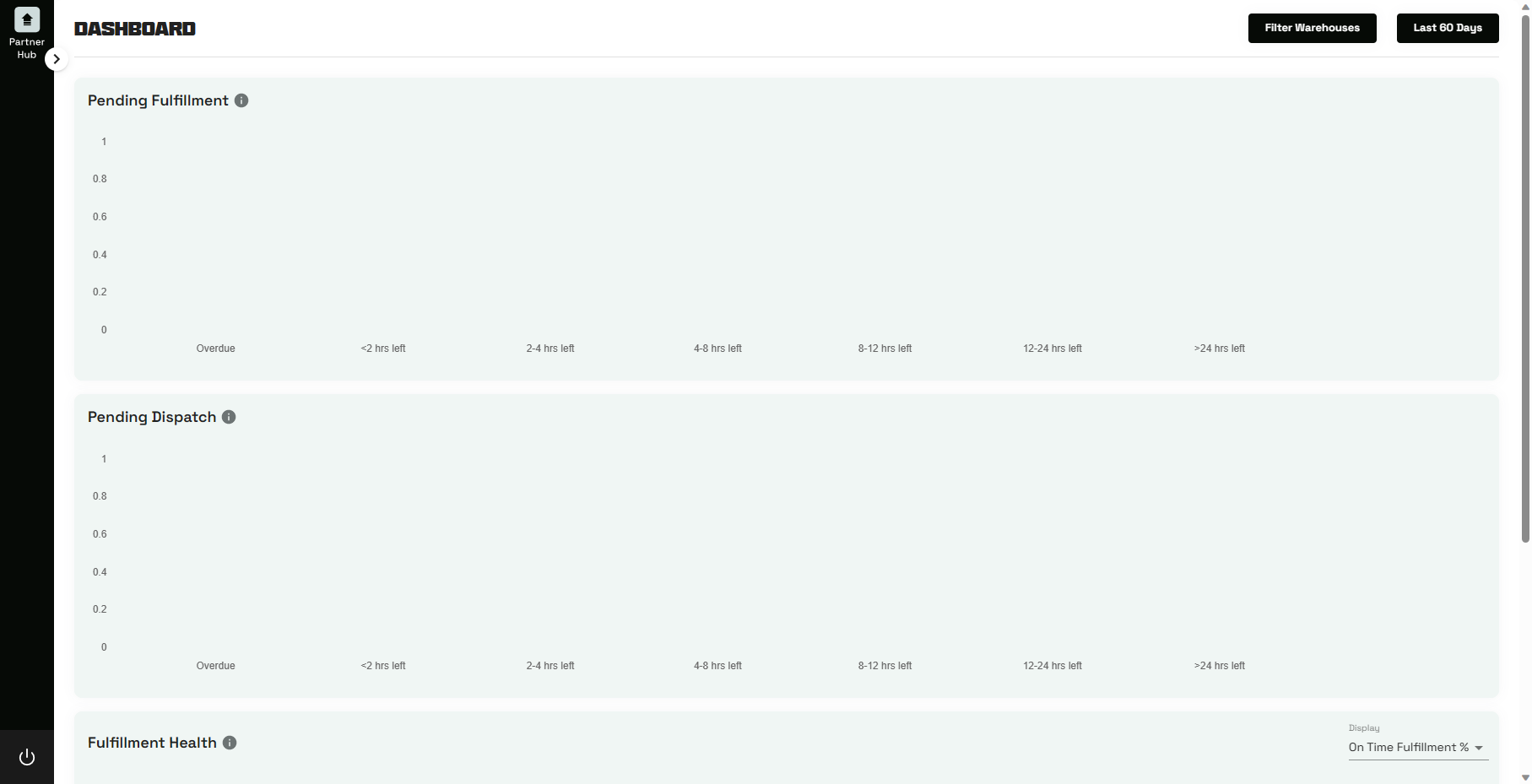
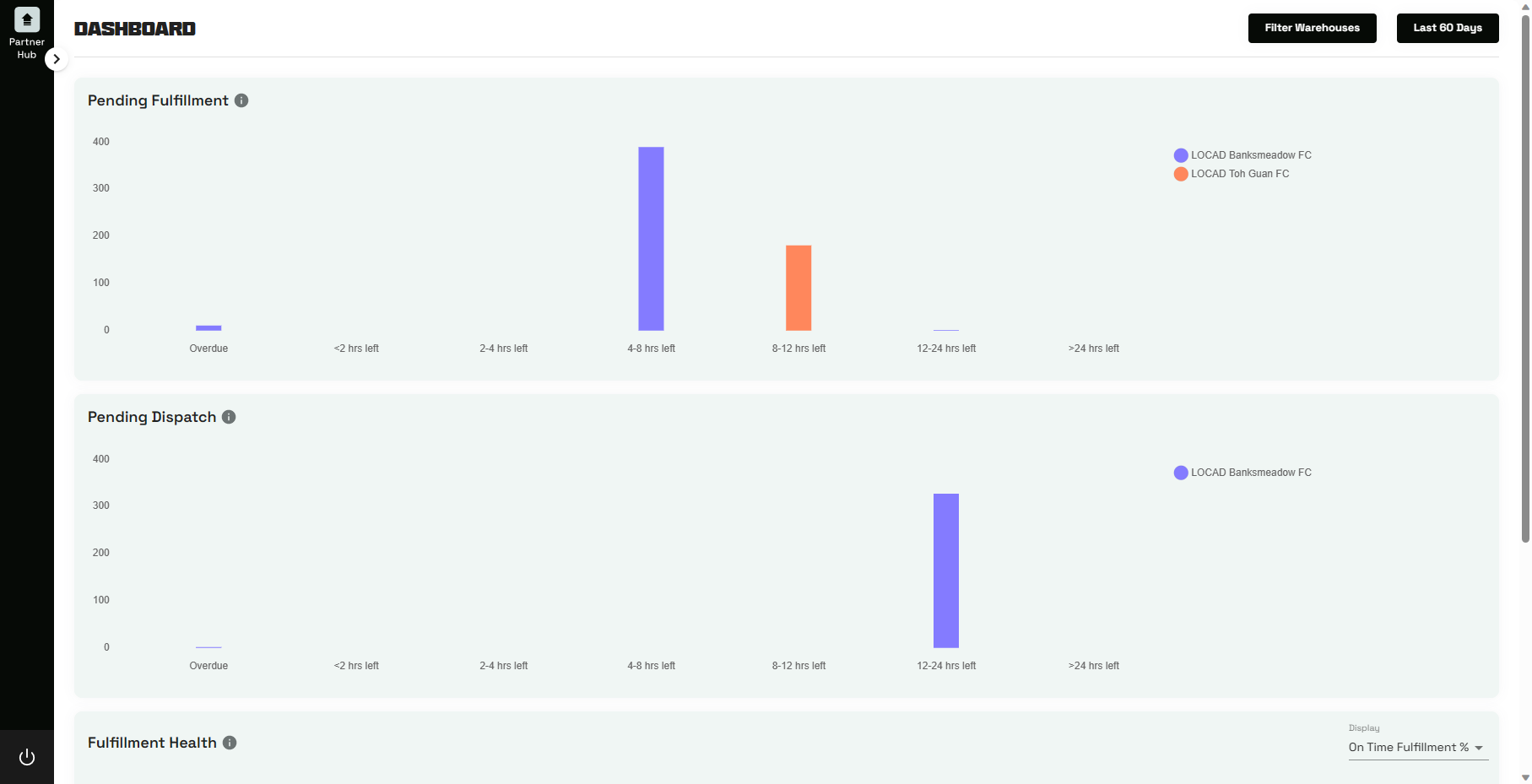
- Upon completion of sign up, you will be brought to the Partner Hub page but without any warehouse data. Fret not, please inform Locad team so that we can grant your account with the relevant warehouse access.
- Before granting warehouse access:
- After granting warehouse access:
Was this article helpful?
That’s Great!
Thank you for your feedback
Sorry! We couldn't be helpful
Thank you for your feedback
Feedback sent
We appreciate your effort and will try to fix the article